
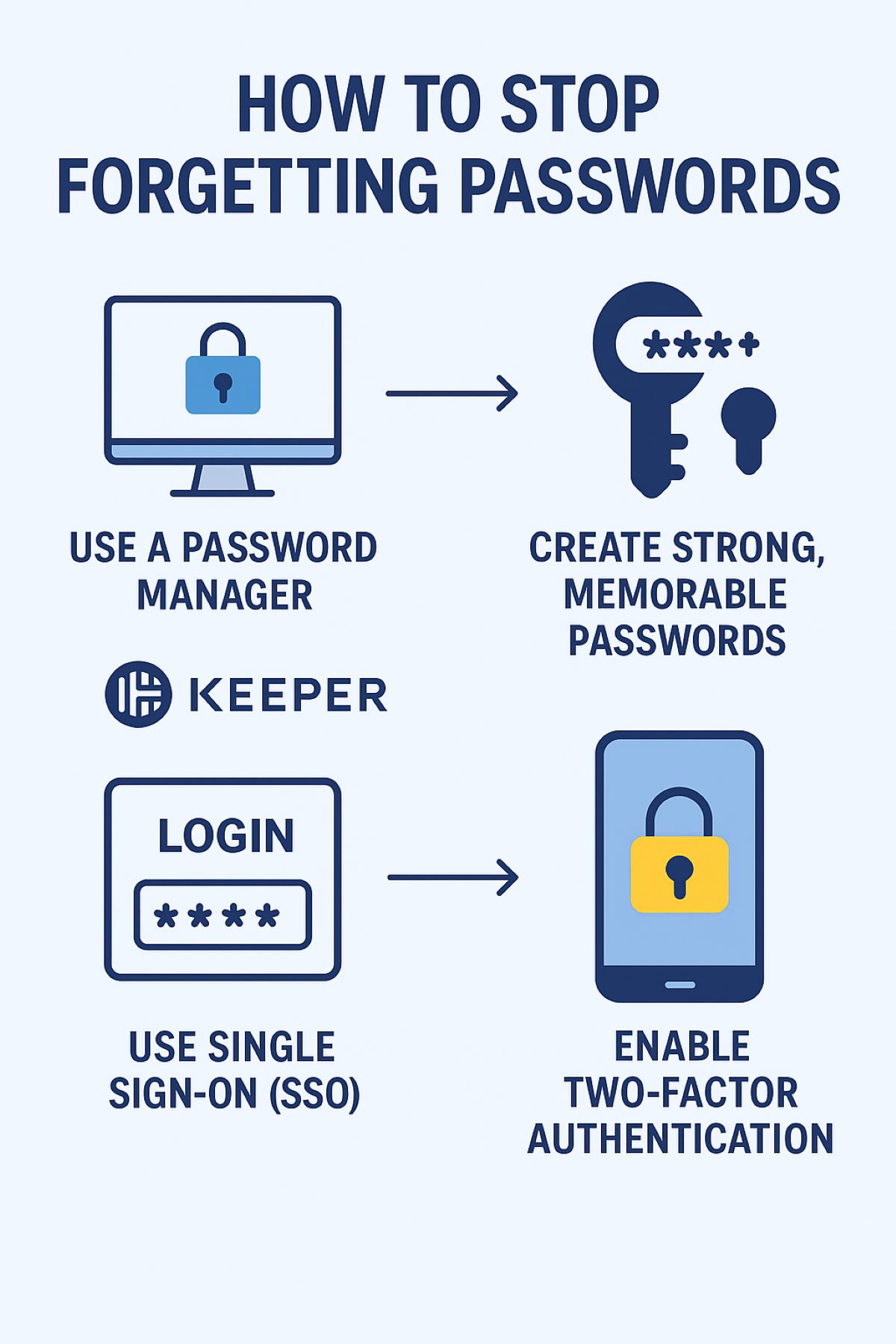
Forgetting passwords is more than just an annoyance, it can be a major inconvenience. From work accounts to personal banking, the average person manages dozens of passwords. Constantly resetting forgotten passwords wastes time, interrupts productivity, and can even put your accounts at risk if it tempts you to reuse passwords across platforms.
The good news? With the right strategies and tools, you can stop forgetting passwords and enjoy both security and convenience.
Forgetting passwords has several negative consequences:
Understanding these risks makes it clear: a solid password strategy is not just convenient, it’s essential.
A password manager is the easiest way to stop forgetting passwords. Keeper is a trusted solution used by millions worldwide, offering:
Pro Tip: Enable two-factor authentication (2FA) for Keeper to add an extra layer of protection.
Even with a password manager, you’ll need a strong master password or memorable passphrases.
Strategies:
A memorable, strong password is the cornerstone of password security.
Even if you forget your password, 2FA adds a critical second layer of protection.
Options include:
2FA ensures your accounts remain secure even if a password is compromised.
SSO is a productivity-boosting solution that allows you to log into multiple apps using a single set of credentials.
Benefits:
By combining SSO with Keeper, you can drastically reduce password fatigue.
If you prefer an extra layer of security, maintain a backup of your credentials:
Warning: Avoid sticky notes on your desk or unencrypted files, they are easy targets for hackers.
Passwords aren’t “set it and forget it.” Regular maintenance keeps your accounts safe:
Routine maintenance reduces the risk of compromise and helps you stay organized.
If you want to remember passwords without relying solely on digital tools, these tricks can help:
Forgetting passwords is more than a minor inconvenience, it wastes time, increases stress, and can compromise security. By using Keeper, enabling SSO, applying strong password strategies, and leveraging 2FA, you can eliminate password frustration.
Start today: implement one or two strategies and gradually build a system that makes logging in easy, secure, and stress-free.
Your passwords don’t have to be a source of anxiety, they can be simple, secure, and manageable. Call Datotel to implement a password manager today.